


How to install Flesk, step by step
You don't need to be an expert: copy a few commands, wait a few minutes and your panel is ready. This guide works for all three editions (Mini, Basic and AI).
1. What you need
- A freshly installed Ubuntu 24.04 LTS server (a VPS or a dedicated server). The installer only works on Ubuntu.
- Administrator access (the
rootuser or a user withsudo). - A clean server: no Plesk, cPanel or Webmin installed.
- At least 2 GB of free disk space and 1 GB of RAM (recommended).
- A public IPv4 address and these ports open: 22, 25, 53, 80, 443, 587 and 993.
- A domain pointing to your server (an
Arecord with the server's IP). It is needed for the free SSL certificates. - Can visitors download .dat, .sql, .env or .zip files over the web?: no. From Flesk 1.1.6 / 2.0.6 (and Flesk Mini 1.0.1) nginx blocks those extensions and hidden files (`.git`, `.htaccess`…) by default, with directory listing off. ACME (
/.well-known/acme-challenge/) stays allowed..jsonis not blocked. Package downloads from this site go through PHP with a licence/registration and are unaffected. - How do I update Flesk?: from the panel, Settings → Updates (Flesk 1.1.7 / 2.0.7). With an active licence you can check and install; a backup is made and rolled back on failure.
2. Get or access your server
Rent a VPS with Ubuntu 24.04 from any provider you like. You will get an IP address and a root password (or key). Connect from your computer's terminal (on Windows, PowerShell), replacing the IP with yours:
ssh root@YOUR_SERVER_IP3. Run the installer
Flesk Mini (free, 1 domain)
It is downloaded straight from GitHub. Copy and paste on the server:
git clone https://github.com/gonzalolinaresamezcua/flesk-mini.git
cd flesk-mini
sudo bash install.shFlesk Básico / Flesk IA (with a licence)
After buying you receive your key (FLSK-…) and a private download link by email (if you lose it, recover it at /mi-descarga). Download the package to your computer and upload it to the server (use the name of the file you downloaded):
scp flesk-2.0.11.tar.gz root@YOUR_SERVER_IP:/root/Then, on the server, extract it and install with your key:
tar xzf flesk-2.0.11.tar.gz
cd flesk-2.0.11
sudo ./install.sh --license FLSK-XXXXX-XXXXX-XXXXX-XXXXXOptional: to open the panel with your own domain (for example panel.yourdomain.com) instead of the IP, add PANEL_DOMAIN=panel.yourdomain.com in front, for example: sudo PANEL_DOMAIN=panel.yourdomain.com ./install.sh. Installation takes a few minutes; when it finishes you will see “Installation completed” and the panel address.
4. First login to the panel
Open https://YOUR_SERVER_IP/flesk/ in your browser (or https://panel.yourdomain.com/flesk/ if you used PANEL_DOMAIN). If you use the IP, the browser will warn that the certificate is not trusted: that's normal, accept and continue.
The username is admin. To see the initial password, run on the server:
sudo cat /opt/flesk/var/.panel_admin_pass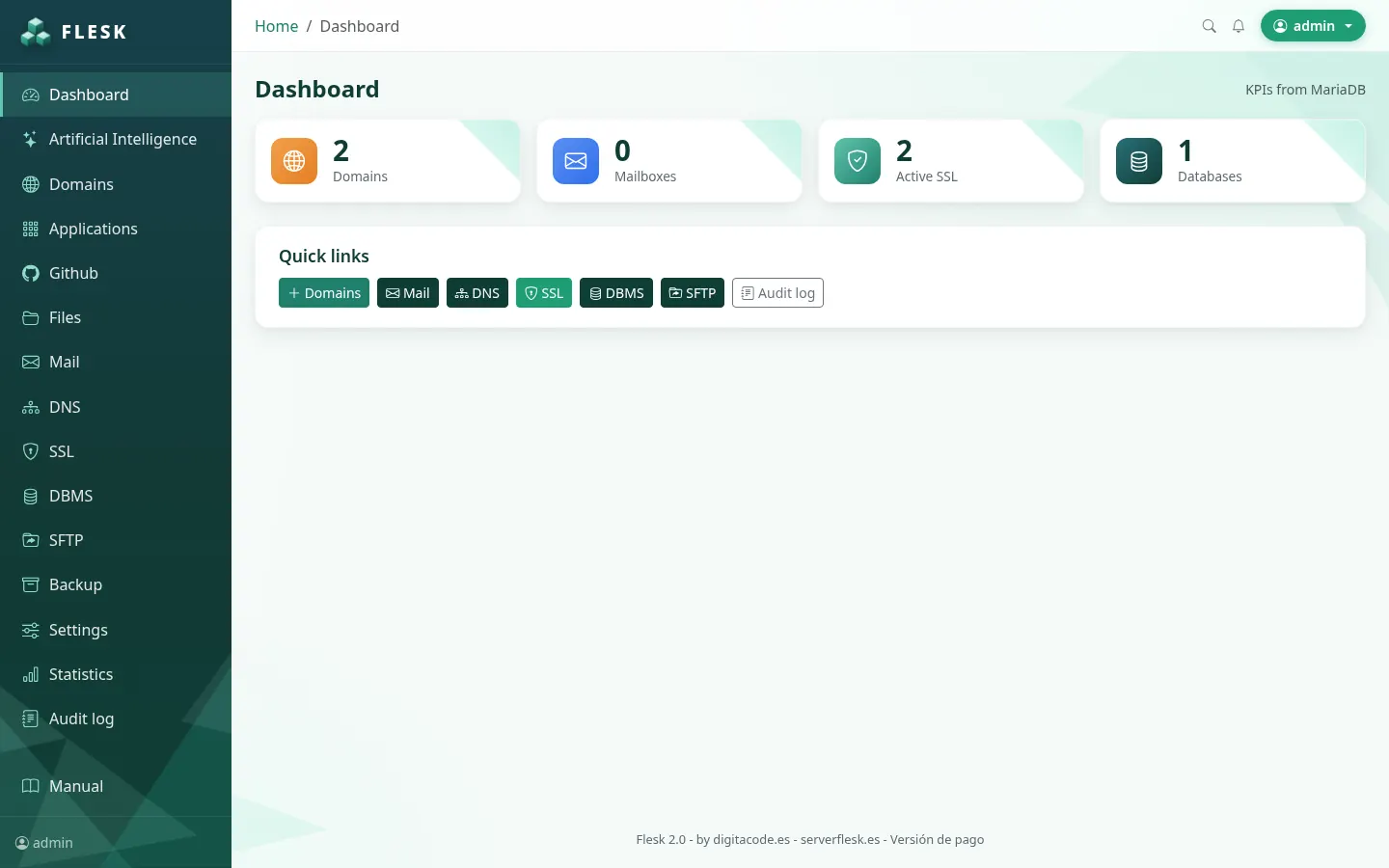
5. Activate your licence (or use Flesk Mini)
If you installed with --license, it's already active. Otherwise go to Settings › Licence, paste your FLSK-… key and save. Flesk Mini doesn't need any key.
6. Add your first domain
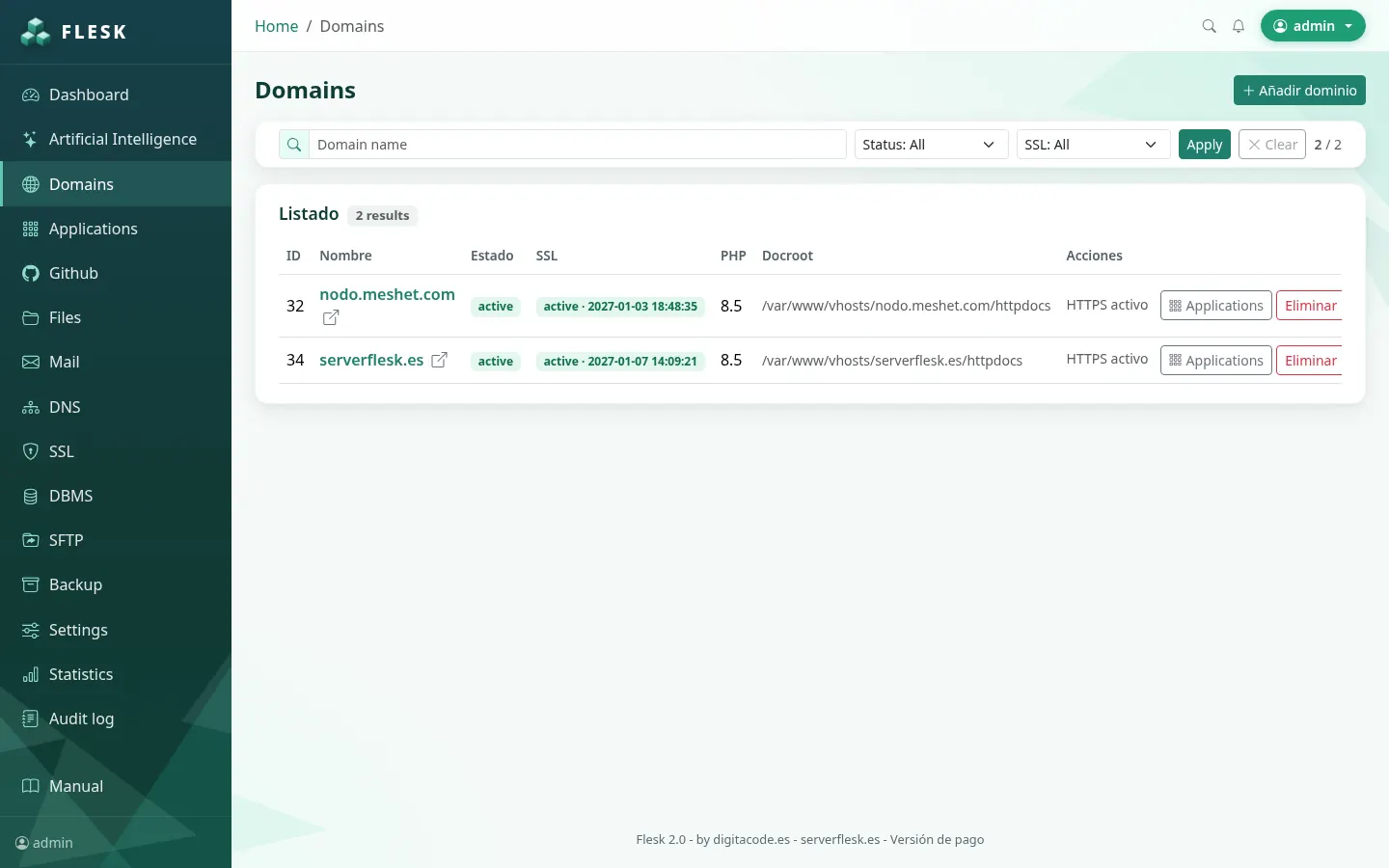
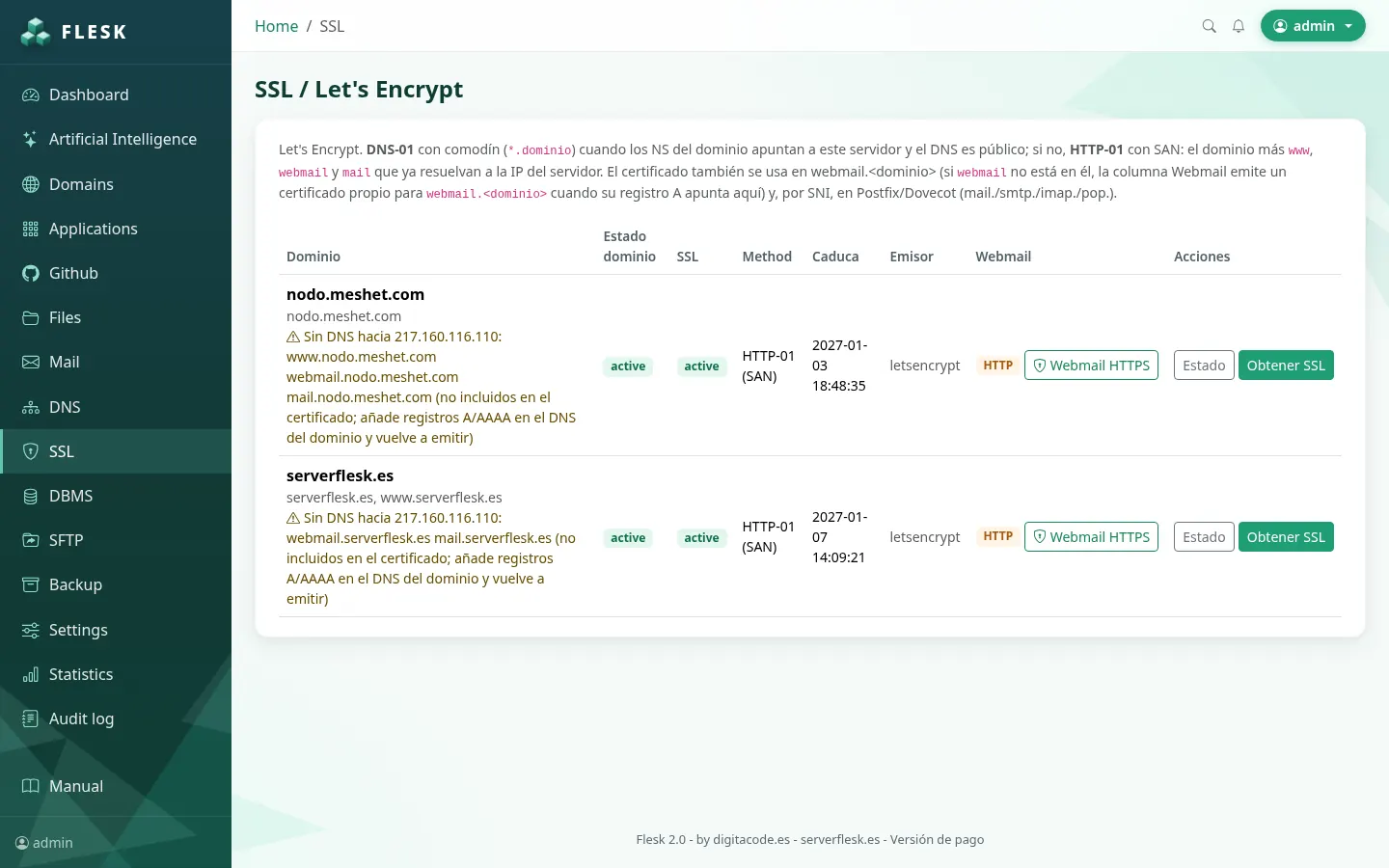
Go to Domains, type the name (for example yourdomain.com) and click add. Then, in SSL, issue the free certificate (the domain must already point to your server).
7. Common problems
- “Only Ubuntu is supported”: the server is not Ubuntu. Reinstall it with Ubuntu 24.04 from your provider's control panel.
- “Plesk detected” / “Another panel detected”: Flesk needs a clean server without another panel.
- “Run as root”: put
sudoin front of the command. - “At least 2GB free required”: free up space or enlarge the server disk.
- The browser says the connection isn't secure: that's normal when using the IP. For a valid panel certificate use your domain:
sudo flesk panel ssl panel.yourdomain.com - A domain's SSL fails: check that the domain points to the server's IP and that port 80 is open.
- It won't let me add more domains: your edition has reached its limit or your licence has expired. If you don't renew, Flesk runs as the free edition (Flesk Mini, 1 domain): your websites keep working, but to add more domains renew at /renovar.
- To check that everything works, run on the server
flesk status.
What changed in each version? See the Flesk release notes.